CSV Compare
Compare two CSV files and find differences with row matching and column selection.
- Match by row number or key column
- Select specific columns to compare
Encode and decode text or images to/from Base64.
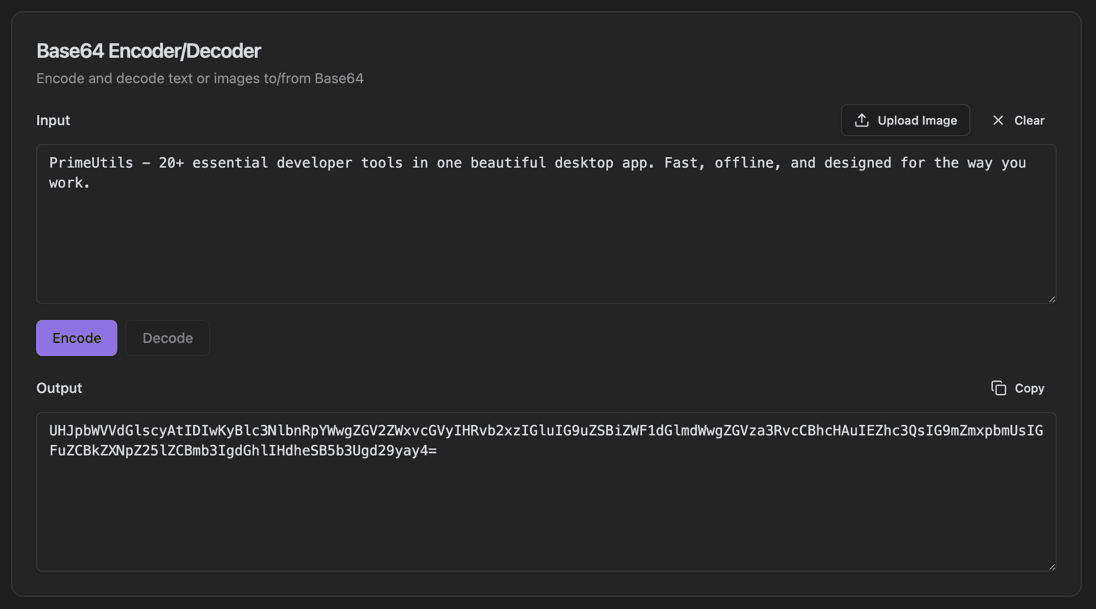
Base64 encoding is essential for embedding binary data in text-based formats like JSON, XML, or HTML. This encoder/decoder provides instant conversion between plain text and Base64. Upload images directly or paste text, then switch between encode and decode modes with a single click.
Type or paste text in the Input field
Click Encode to convert to Base64, or Decode to convert from Base64
Use Upload Image to encode an image file
Click Clear to reset the input
Copy the output with the Copy button
Download PrimeUtils and get access to Base64 Encoder/Decoder plus 20+ other developer tools.